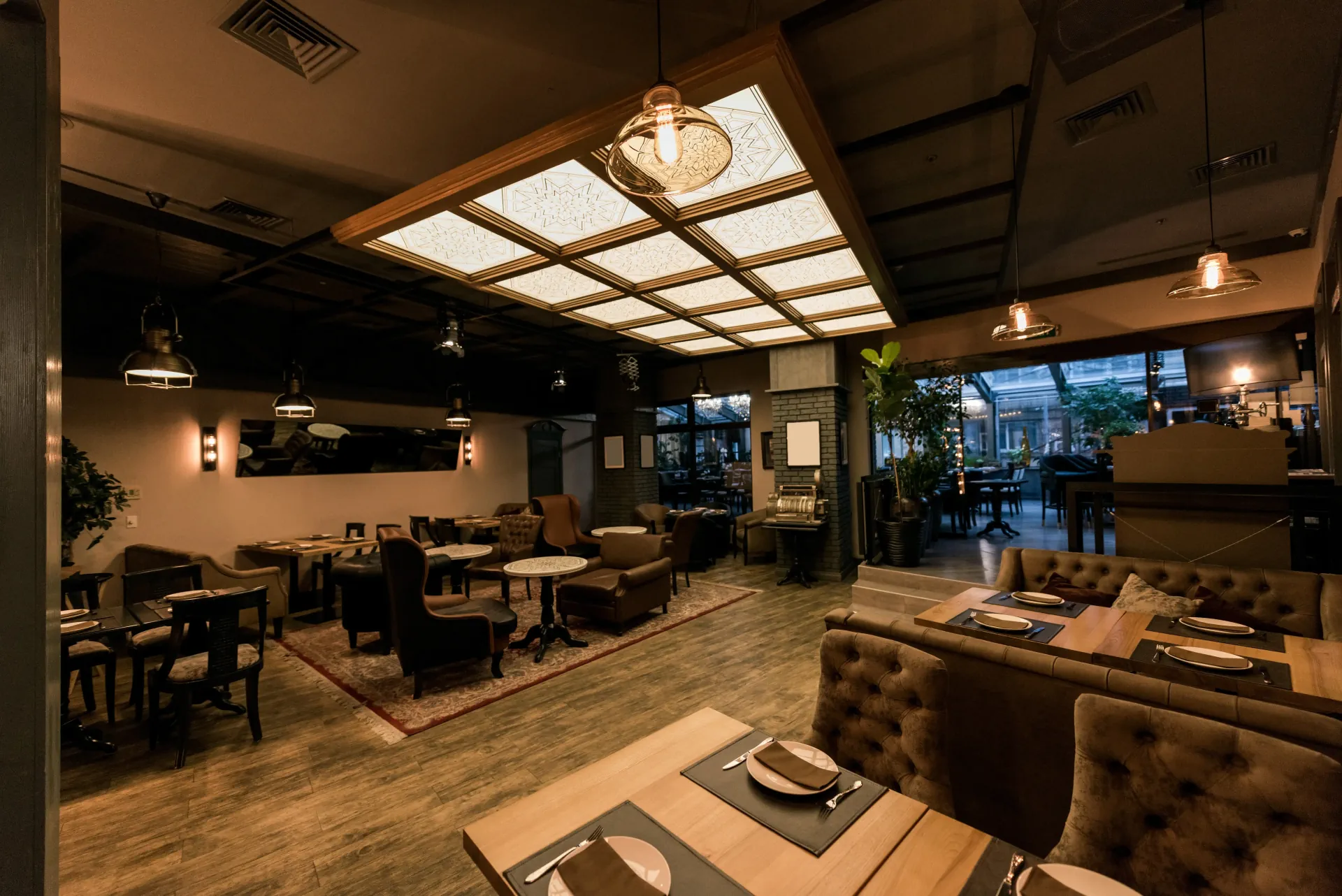
Reservations, organized before guests arrive.
Built for restaurants in high demand. Helps prevent website crashes when booking opens, prank bookings, and empty tables from no-shows.
They’ve already tried it
Proven to help operations and improve efficiency in their business.


Three steps, from queue to arrival.
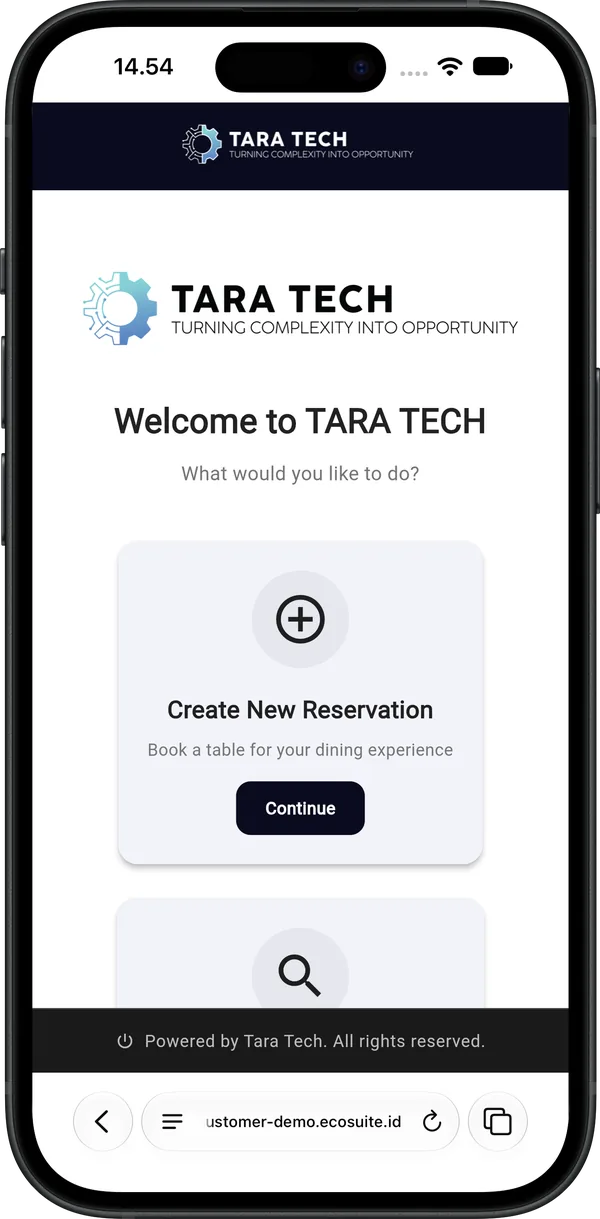
Guests do everything from their phone. Your team no longer has to take reservations by phone or chat.
 When booking opens
Booking opens, everyone gets the same chance.
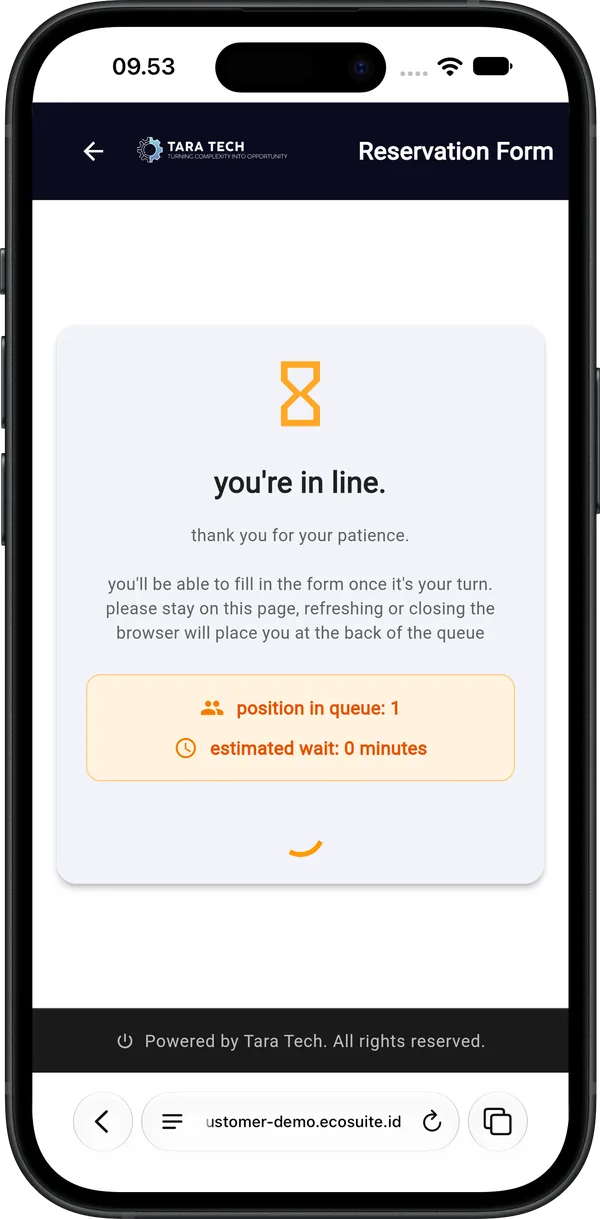
Lots of people booking at once? Guests join a queue first. When their turn comes, they get dedicated time to fill in the form.
- Guests can see their position in the queue
- Every turn has a time limit, so the queue keeps moving
- One person can’t grab several slots at once
 Capacity per slot
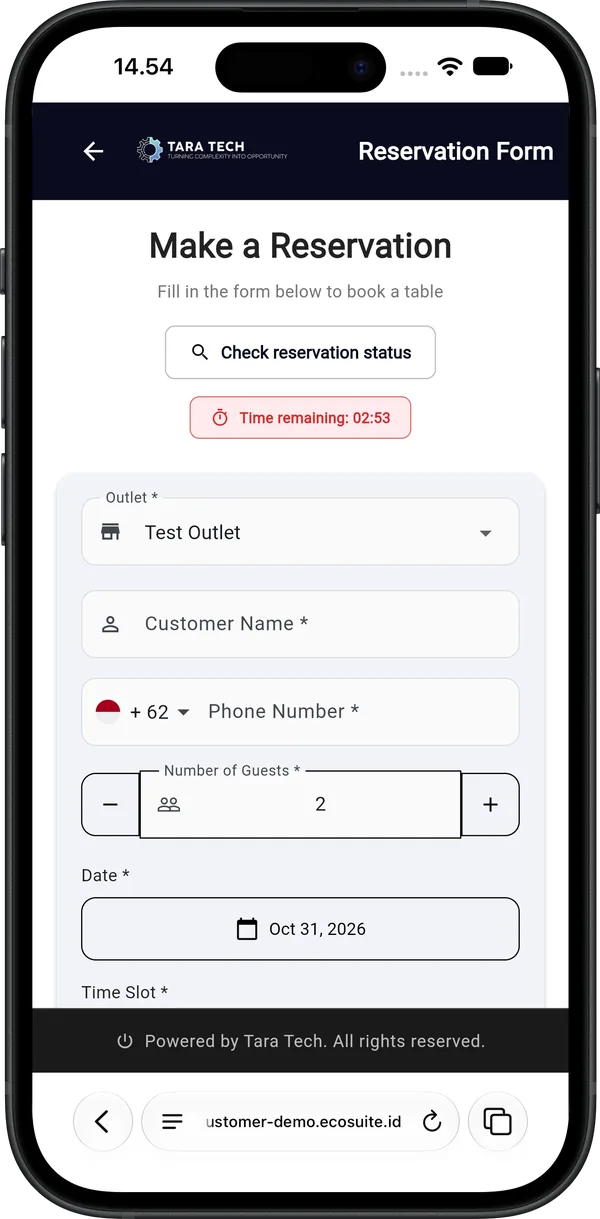
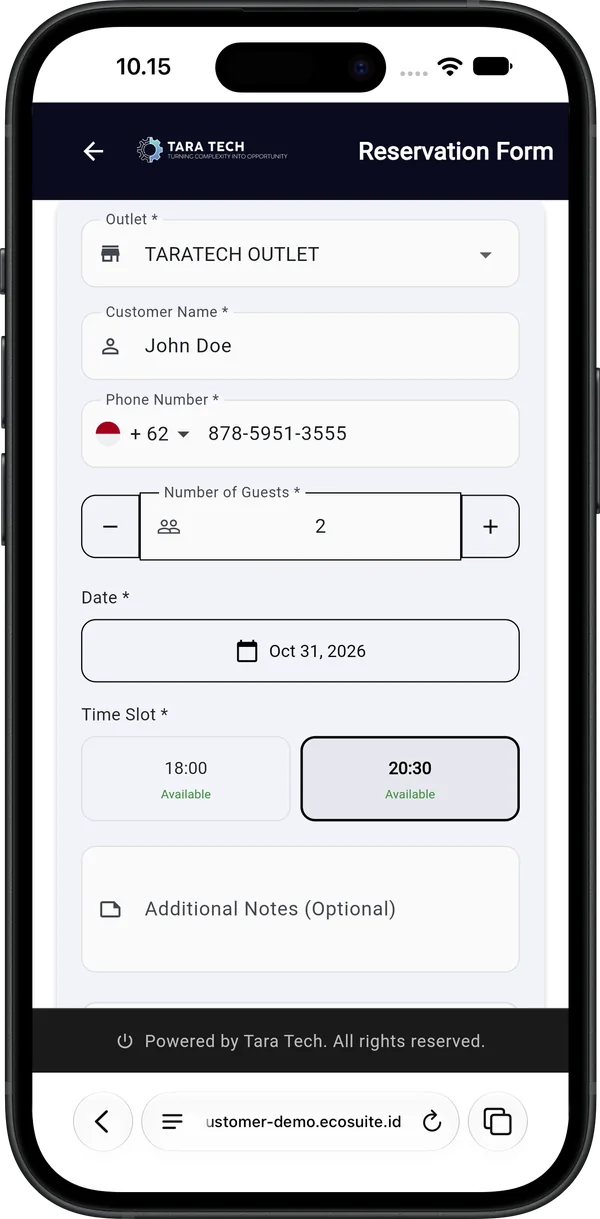
Pick a date and slot, in just a few taps.
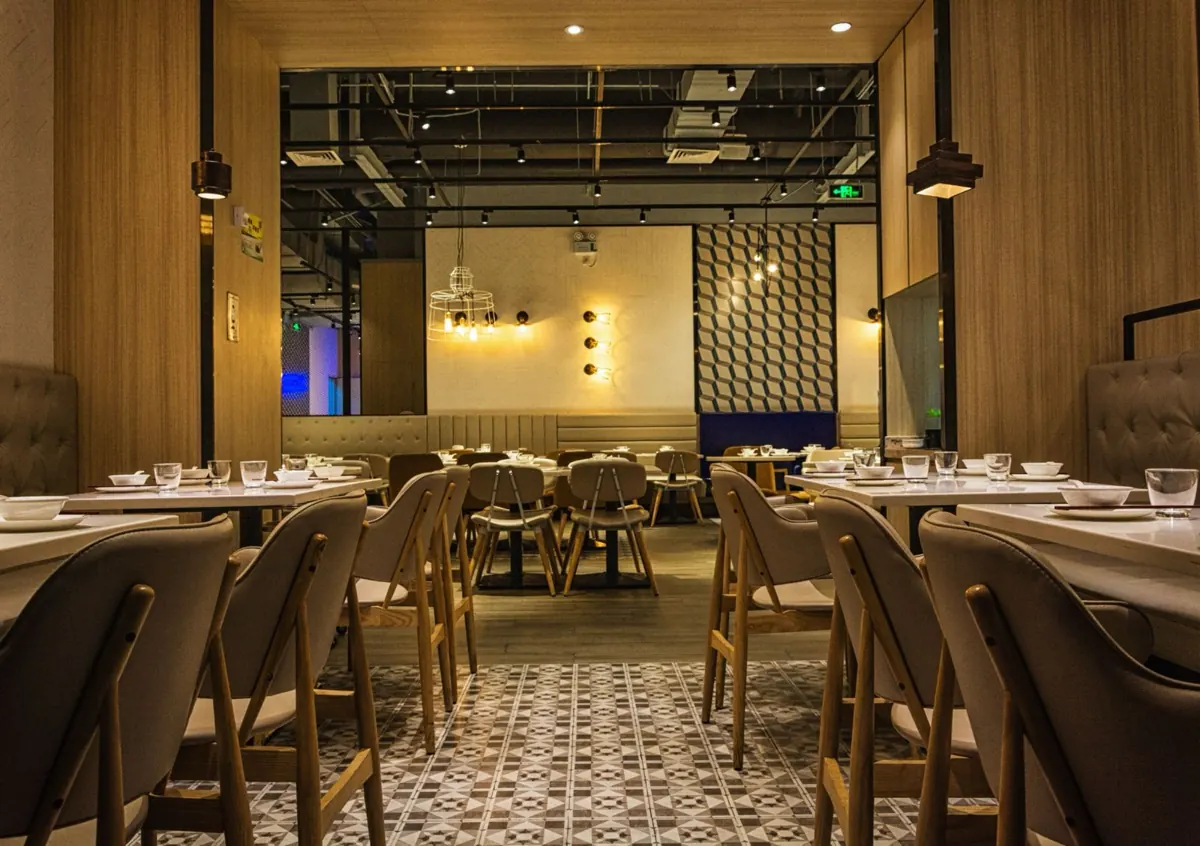
Guests choose the outlet, date, slot, and party size, then enter their name and WhatsApp number. The system checks right away whether there are enough tables.
- Full slots are visible at a glance, and guests can join the waitlist
- Bookings never exceed capacity
- Set closed days, booking release schedules, and per-guest booking limits
 Table secured after deposit
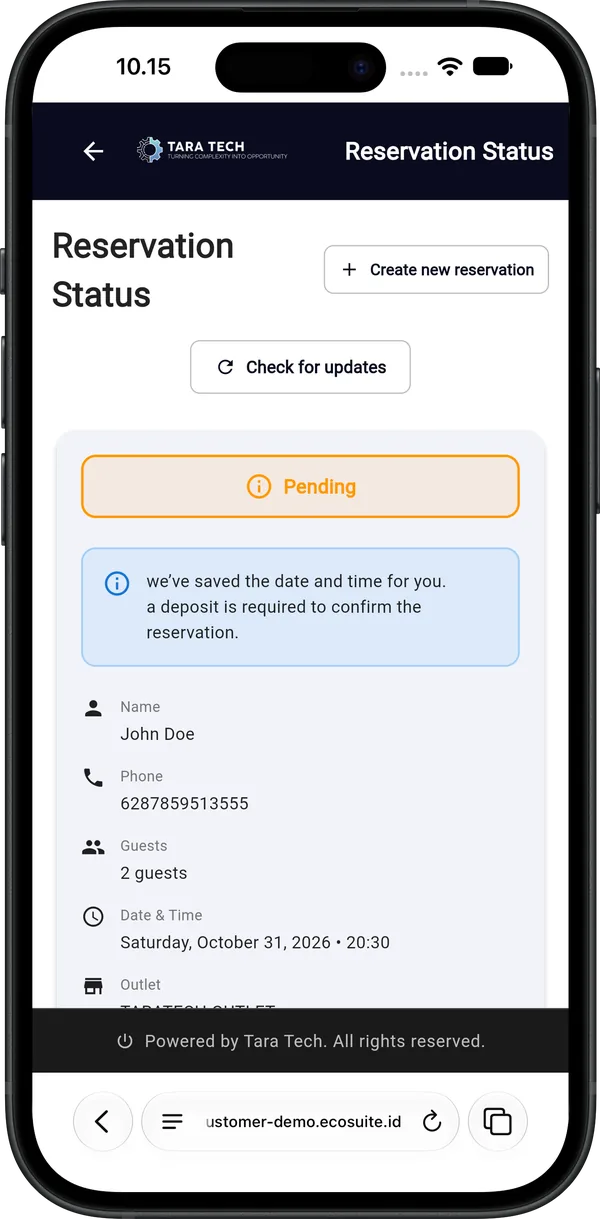
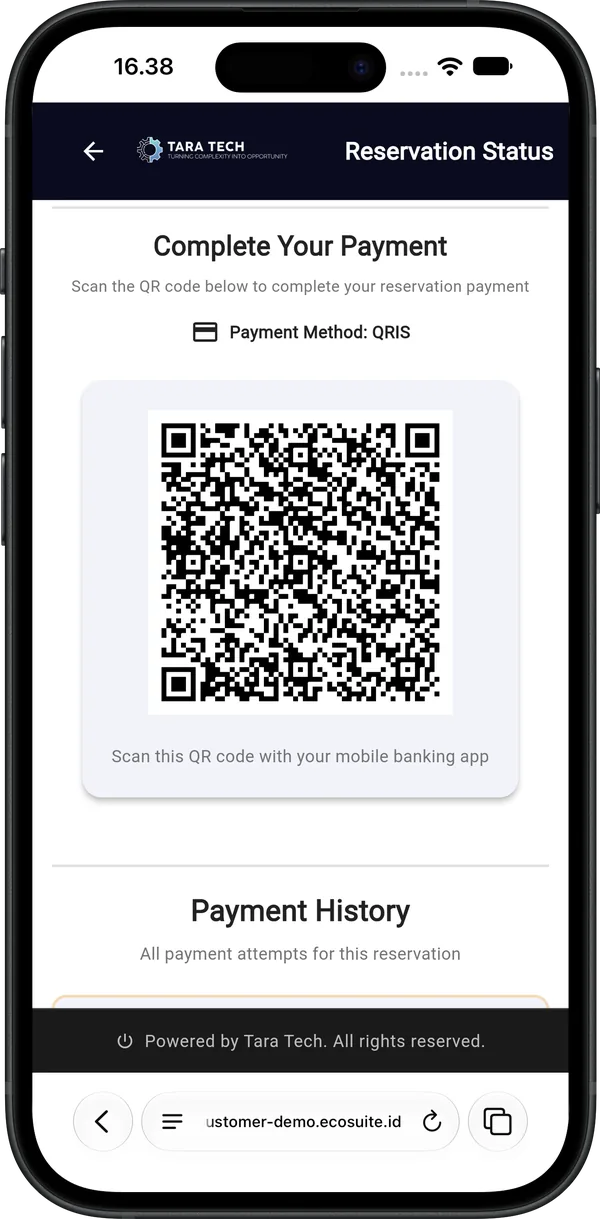
Pay the deposit, then just show up.
After the form, guests pay a deposit via QRIS or credit card, and the reservation is confirmed automatically. They can check its status anytime with a phone number or reservation code, and a WhatsApp reminder goes out before the visit.
- QRIS from any m-banking or e-wallet app, or Visa, Mastercard, and JCB credit cards
- Not paid by the deadline? The slot opens up for other guests
- Guests check their own reservation status, no admin chat
- Automatic reminders and reconfirmation via WhatsApp
How much revenue do empty tables cost you every month?
Start with reservations. Add modules when you’re ready.
Reservations are the core of EcoSuite. Other modules use the same guest data, so nothing is entered twice.
 Front counter · EcoSuite POS
One multipurpose app, made to fit the way your business runs.
EcoSuite POS works seamlessly with the EcoSuite reservation app, so orders, reservations, and guest profiles live in one place with no double entry. Just download it and sign in with your EcoSuite Merchant account.
- Every sale links to the reservation and guest profile
- Keep recording orders even when you’re offline
- Built-in inventory to keep track of stock
- Run multiple outlets from one account
- Separate roles and access for every staff member
- Print receipts and kitchen tickets on Bluetooth printers
- Alerts staff to new reservations and orders
 Free to download · Requires an active EcoSuite Merchant account

Curious how it works at your restaurant?
See EcoSuite live in a 20-minute demo. Free, no commitment.